Писал один проект где нужно сохранить скин игрока в PNG файл. Со стороны python получил строку с данными скина игрока на сервере, но конвертировать его в PNG не выходит. На просторах нашел плагин который умеет так конвертировать (разумеется оно на PHP). Я взял и перевел код на Python с использованием Pillow, но что-то не выходит…

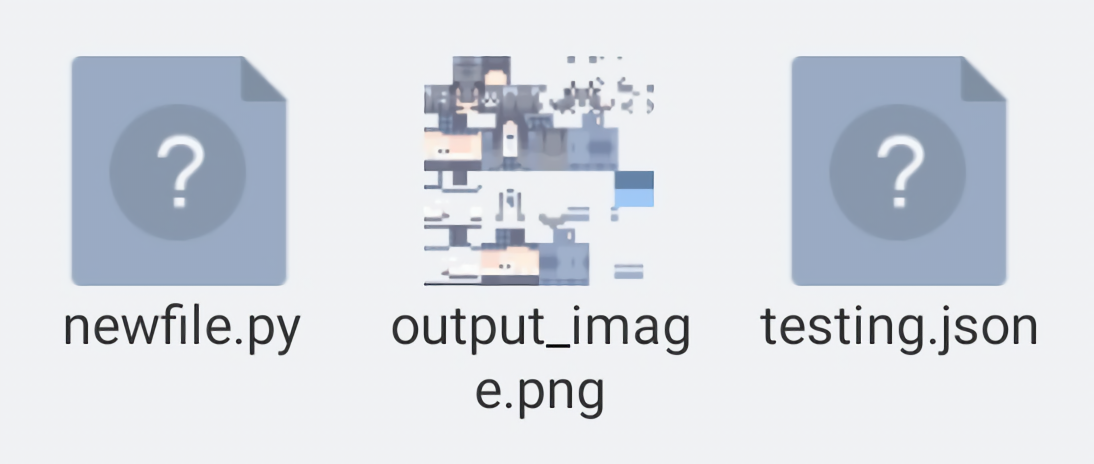
(тут сверху фотка моего неудачного результата)
Ну как то так может кто знает ¯\_(ツ)_/¯
Код
# Это тестовый код

from PIL import Image

def skin_data_to_image(skin_data):
	# size = len(skin_data)
	width = 64
	height = 64
	skin_pos = 0
	image = Image.new("RGBA", (width, height))
	for y in range(height):
		for x in range(width):
			r = ord(skin_data[skin_pos])
			skin_pos += 1
			g = ord(skin_data[skin_pos])
			skin_pos += 1
			b = ord(skin_data[skin_pos])
			skin_pos += 1
			a = 127 - ((int(ord(skin_data[skin_pos]))) // 2)
			skin_pos += 1
			# print(r, g, b, a)
			image.putpixel((x, y), (r, g, b, a))
	return image

file = open("testing.txt")
image = skin_data_to_image(file.read())
image.save("testasfak.png", "PNG")
А чатгтп пробовал? Мне он выдал следующее
import zlib
from PIL import Image

def parse_skin_data(skin_data):
    # Decode base64 string (if needed)
    # You may need to decode the base64 encoded skin data before proceeding
    # skin_data = base64.b64decode(skin_data)

    # Decompress zlib data
    decompressed_data = zlib.decompress(skin_data)

    # Skin data format:
    # 8 byte header: [signature (4 bytes), version (4 bytes)]
    # 8 byte dimensions: [width (4 bytes), height (4 bytes)]
    # Image data follows

    # Extract width and height from dimensions
    width = int.from_bytes(decompressed_data[8:12], byteorder='little')
    height = int.from_bytes(decompressed_data[12:16], byteorder='little')

    # Extract image data
    image_data = decompressed_data[16:]

    return width, height, image_data

def create_skin_image(width, height, image_data, output_file):
    # Create image from data
    img = Image.frombytes('RGBA', (width, height), image_data)

    # Save image to file
    img.save(output_file)
Но чет я сомневаюсь что это рабочее
Это ближе похоже на что то рабочее
from PIL import Image

def decode_skin_data(skin_data):
    # Remove the first 8 bytes, they are not needed for decoding
    skin_data = skin_data[8:]

    # Extract the width and height of the image from the first 8 bytes
    width = int.from_bytes(skin_data[:4], byteorder='big')
    height = int.from_bytes(skin_data[4:8], byteorder='big')

    # Remove width and height bytes from the skin data
    skin_data = skin_data[8:]

    # Create a new image with the given dimensions
    img = Image.new('RGBA', (width, height))

    # Iterate through the skin data and set pixel values in the image
    pixels = img.load()
    for y in range(height):
        for x in range(width):
            # Get RGBA values for the current pixel
            r = skin_data[(y * width + x) * 4]
            g = skin_data[(y * width + x) * 4 + 1]
            b = skin_data[(y * width + x) * 4 + 2]
            a = skin_data[(y * width + x) * 4 + 3]
            pixels[x, y] = (r, g, b, a)

    return img

def save_skin_image(skin_data, filename):
    img = decode_skin_data(skin_data)
    img.save(filename)
    print(f"Image saved as {filename}")

# Example usage:
skin_data = b'\x78\x9c\x63\x60\x60\x00\x02\x00\x00\x00\x00\x00\x00\x00\x00\x00\x00\x00\x00\x00'
save_skin_image(skin_data, "minecraft_skin.png")
Вроде получилось, но всё же попробую найти способ эффективнее
Хватит курить, тебе же хуже станет